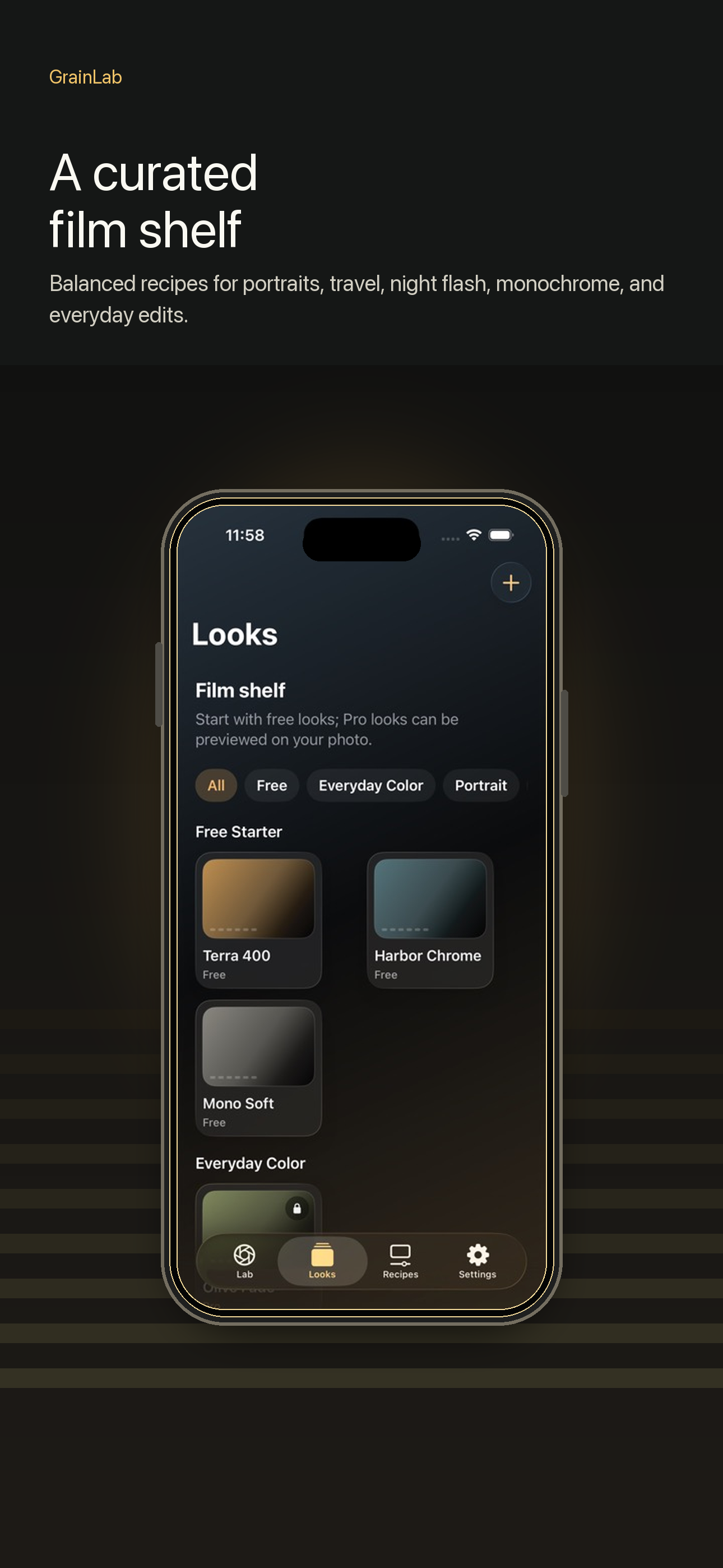
Curated catalog
Browse starter looks and Pro looks with restrained color, texture, and contrast.
Privacy-first photo editor
Analog-inspired film looks, tuned on your device.
Import a photo, preview all 13 restrained color recipes on your image, and export a high-quality JPEG without uploading your photo.
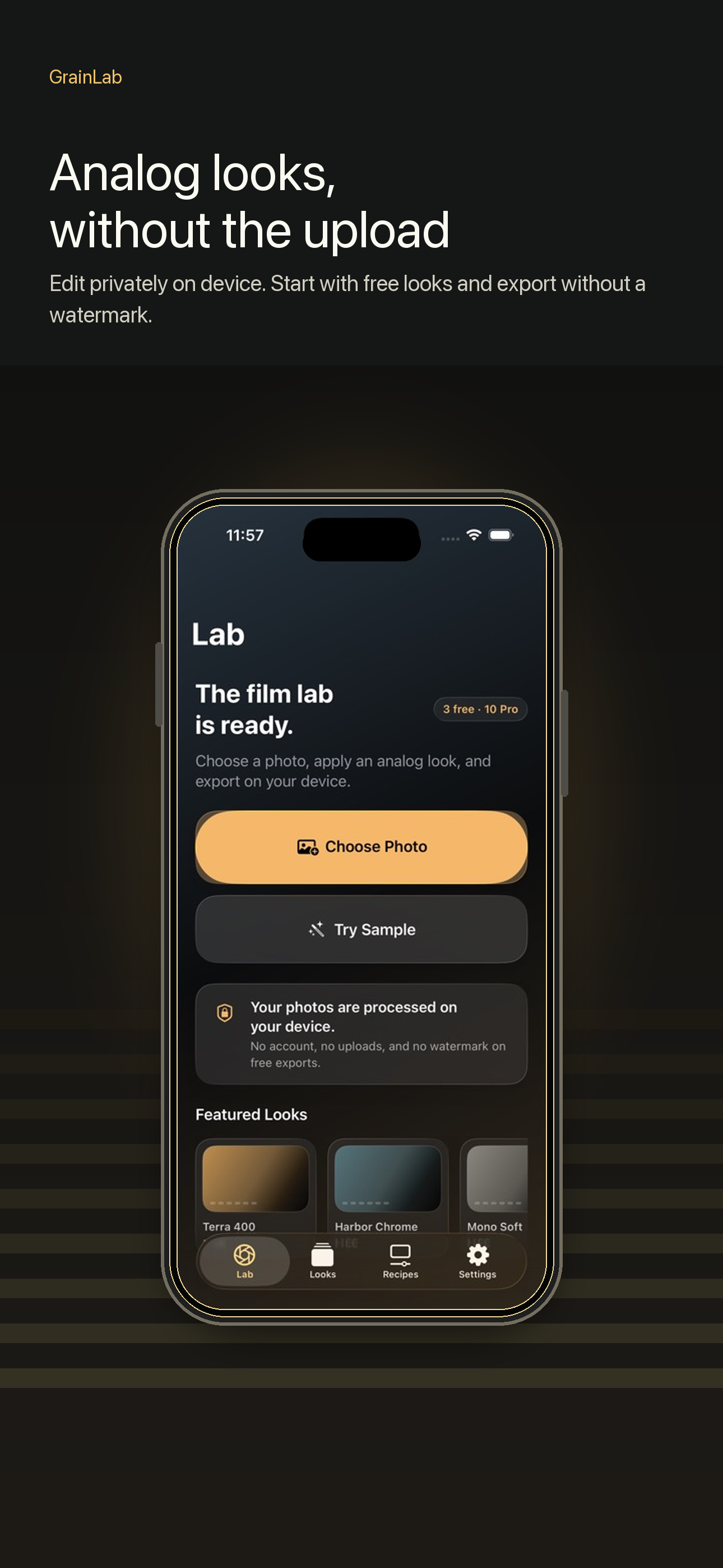
13 looks
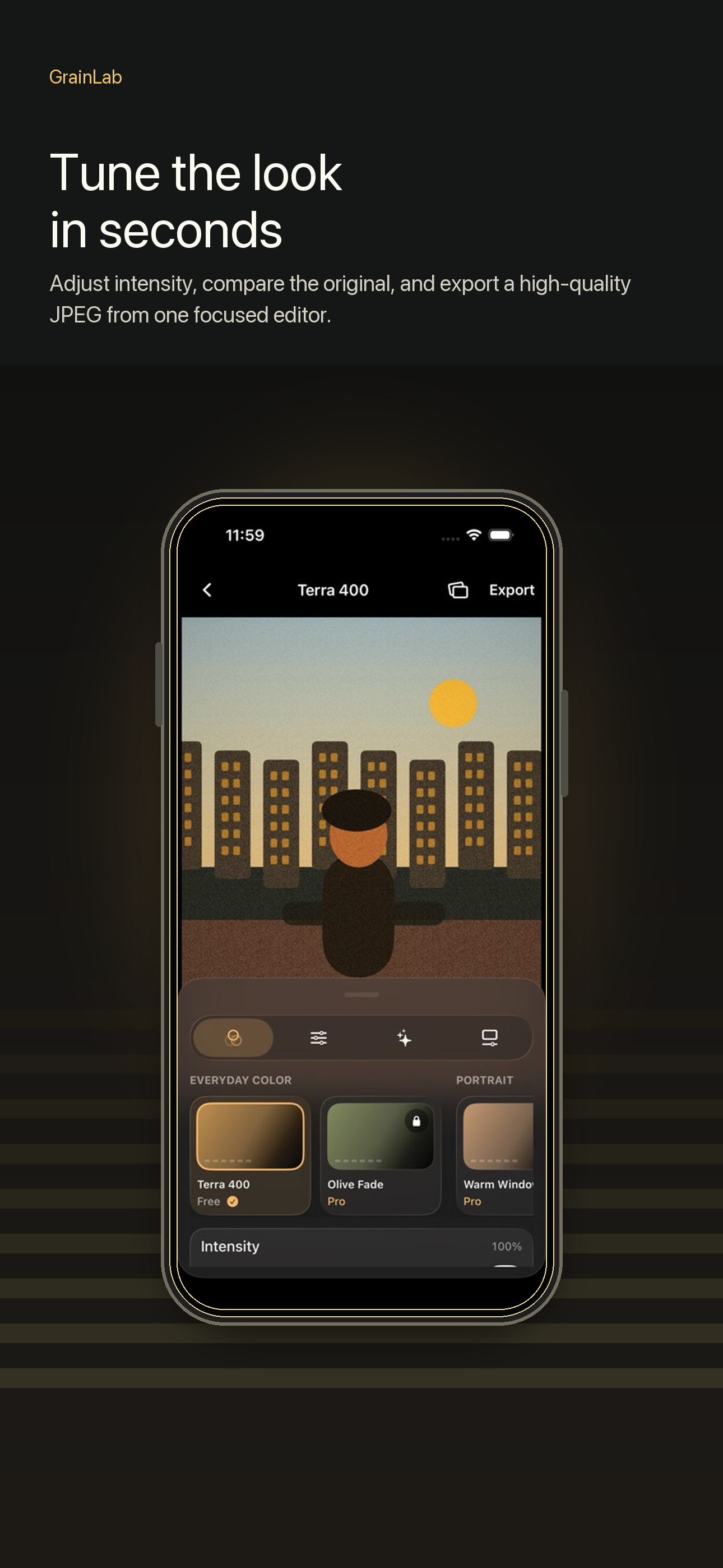
Start with balanced film-inspired looks, then adjust grain, bloom, halation, vignette, sharpness, and intensity for the mood you want.
Browse starter looks and Pro looks with restrained color, texture, and contrast.
Tune the recipe with precise controls that keep preview and export consistent.
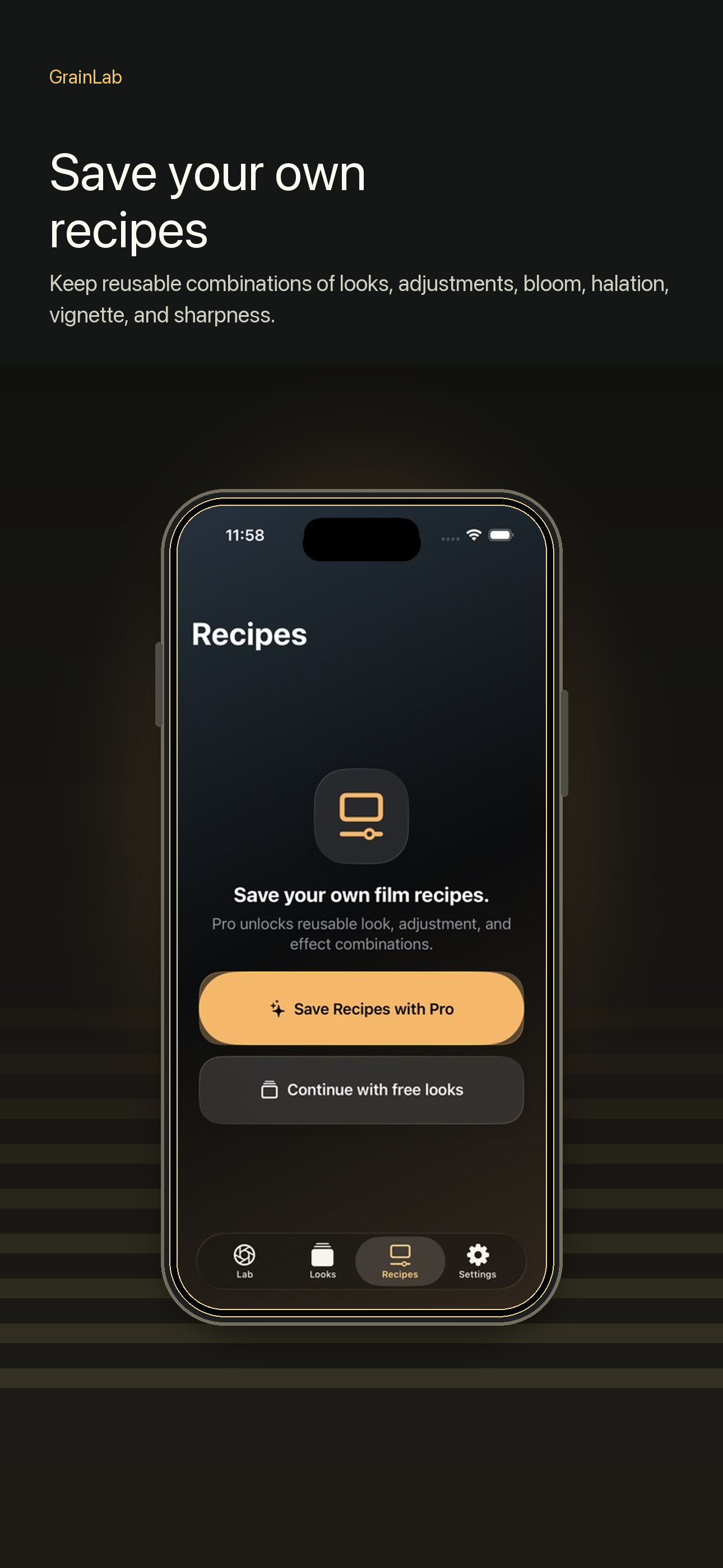
Keep the edits you reuse so a set of photos can share the same color language.
Workflow
LumaTone focuses on a simple path: import, adjust, export. Free users get three starter looks and watermark-free export; eligible new subscribers can try LumaTone Pro for 1 week, with a lower effective price on yearly billing.
Choose a photo from your library.
Preview every look; choose Pro to export Pro looks and use Pro Lab controls.
Save a high-quality JPEG from your device.
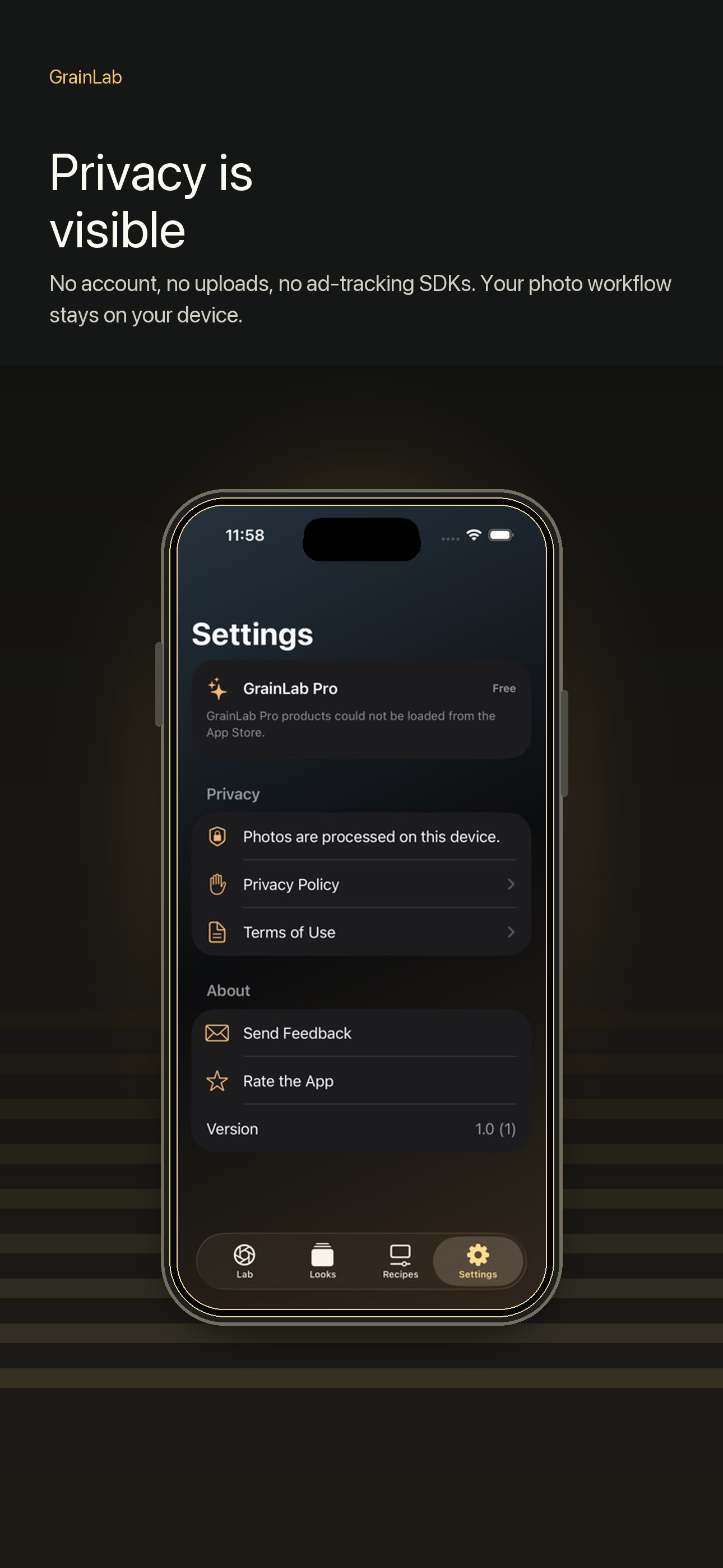
Privacy
LumaTone processes photos on your device and does not upload your library. It does not require an account or use advertising trackers. Anonymous purchase history is processed by RevenueCat to provide subscriptions and aggregate product analytics.
Read the privacy policyAvailable for iPhone
Download LumaTone free on the App Store. Eligible new subscribers can try Pro for 1 week.